> ## Documentation Index
> Fetch the complete documentation index at: https://docs.tokenfactory.nebius.com/llms.txt
> Use this file to discover all available pages before exploring further.
# Overview
[](https://pypi.org/project/contree-mcp/)
[](https://github.com/nebius/contree-mcp/actions/workflows/tests.yml)
[](https://github.com/nebius/contree-mcp/blob/master/LICENSE)
**Isolated cloud container execution for AI agents.**
Contree MCP is a Model Context Protocol server that gives AI agents secure sandboxed environments with full root access, network, and persistent images. Experiment fearlessly—every container is isolated, every image is immutable, mistakes are free.
Run your first container in 5 minutes.
Understand execution model, images, file sync.
All 15 tools with parameters and examples.
Common workflows and mistakes to avoid.
10 MCP prompts for common workflows.
## Why Contree?
* **Safe sandbox**: Run `rm -rf /`, kernel exploits—nothing escapes
* **Immutable images**: Every UUID is a snapshot, branching is cheap
* **Instant rollback**: Revert to any previous image at zero cost
## Quick Example
```json theme={null}
{"tool": "list_images", "args": {"tag_prefix": "python"}}
{"tool": "rsync", "args": {"source": "/project", "destination": "/app"}}
{"tool": "run", "args": {
"command": "python /app/main.py",
"image": "img-uuid",
"directory_state_id": "ds-uuid"
}}
```
## HTTP Mode
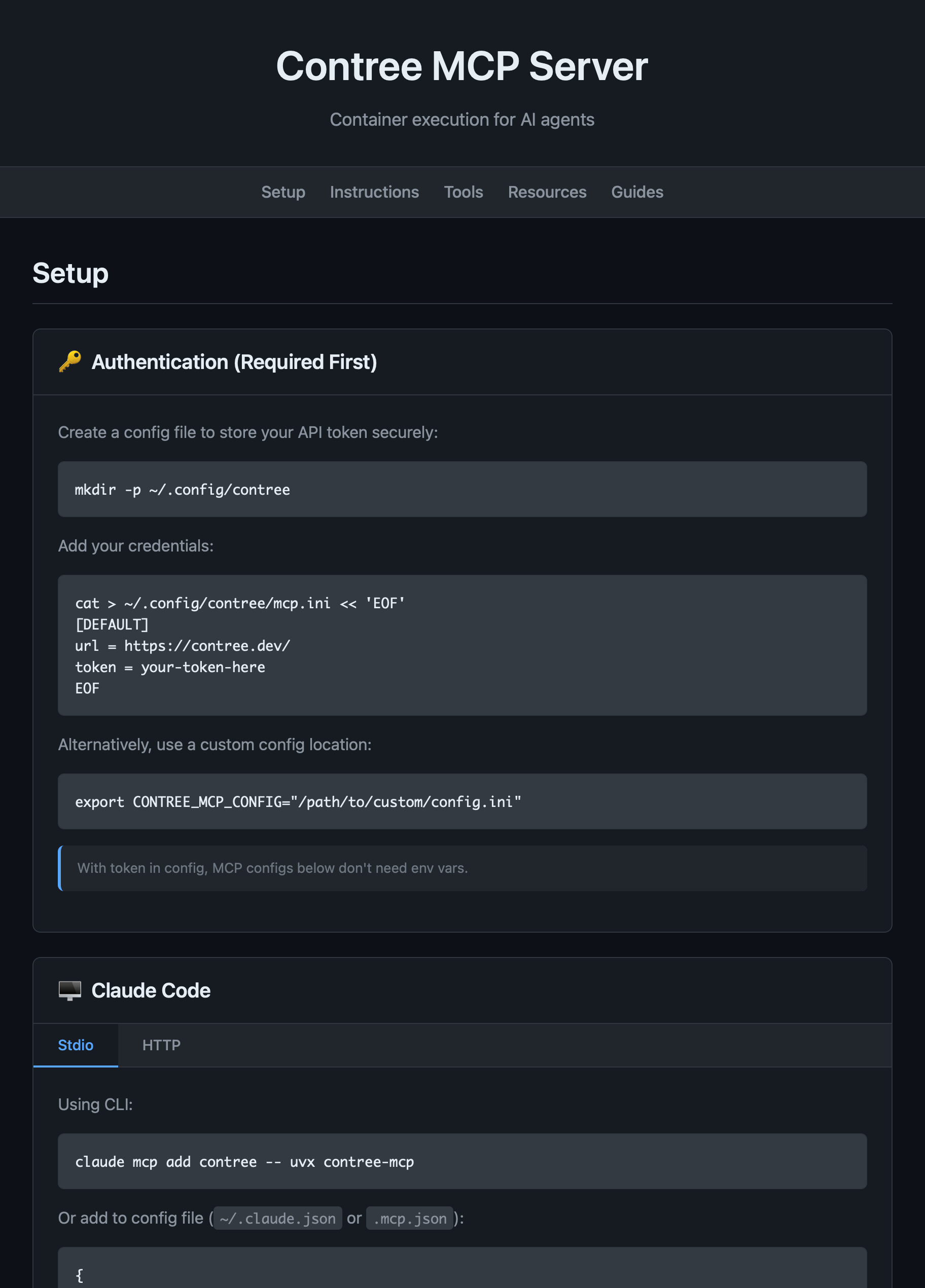
Run the MCP server with built-in interactive documentation:
```bash theme={null}
contree-mcp --mode http --http-port 9452
```
Visit `http://localhost:9452/` for setup guides, tool reference, and best practices.
 ## Security
To report security issues, see [Security](./security).
## License
Licensed under the Apache License, Version 2.0. See LICENSE for details.
## Security
To report security issues, see [Security](./security).
## License
Licensed under the Apache License, Version 2.0. See LICENSE for details.