

You can create a dedicated endpoint from either of these UI locations:Documentation Index
Fetch the complete documentation index at: https://docs.tokenfactory.nebius.com/llms.txt
Use this file to discover all available pages before exploring further.
- Explore page: https://tokenfactory.nebius.com/
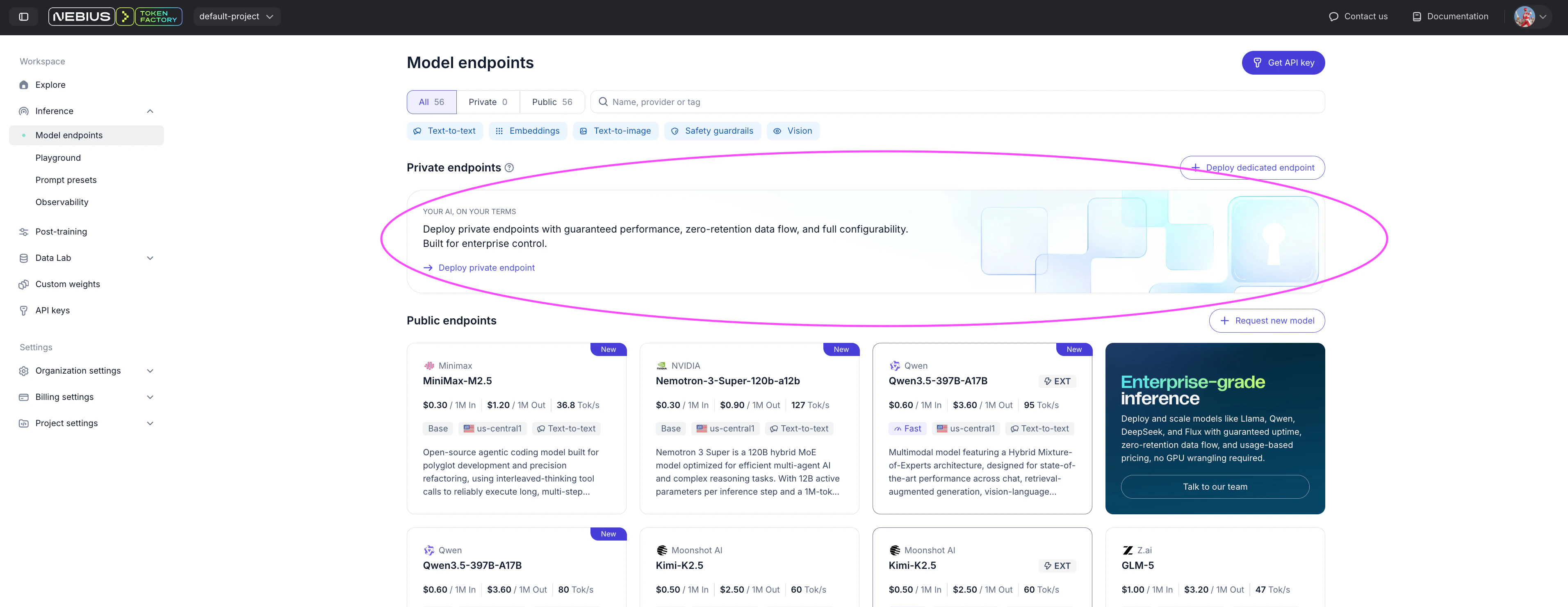
- Inference → Model Endpoints: https://tokenfactory.nebius.com/models
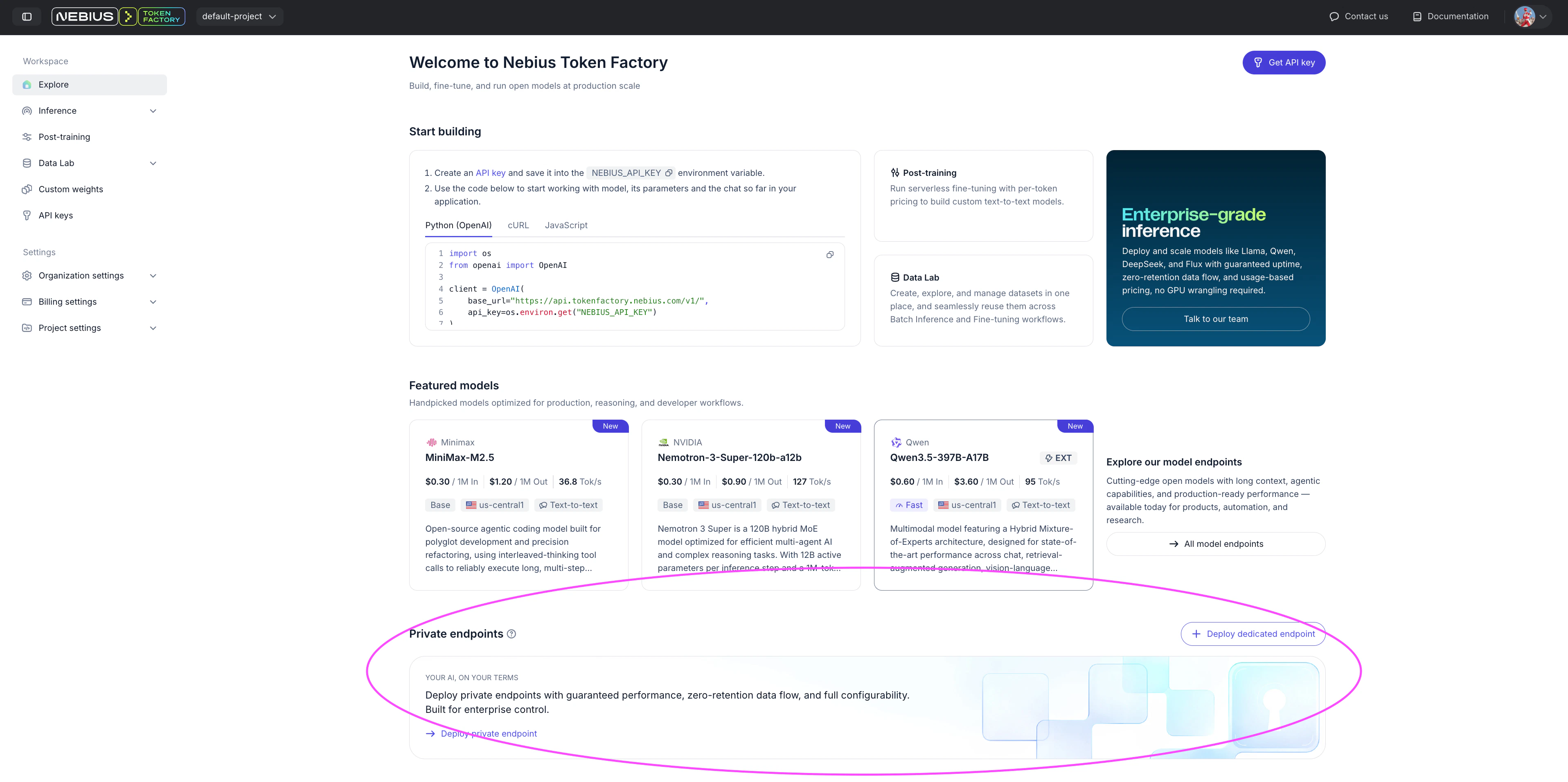
- Explore page https://tokenfactory.nebius.com/
- Inference/Model Endpoints https://tokenfactory.nebius.com/models
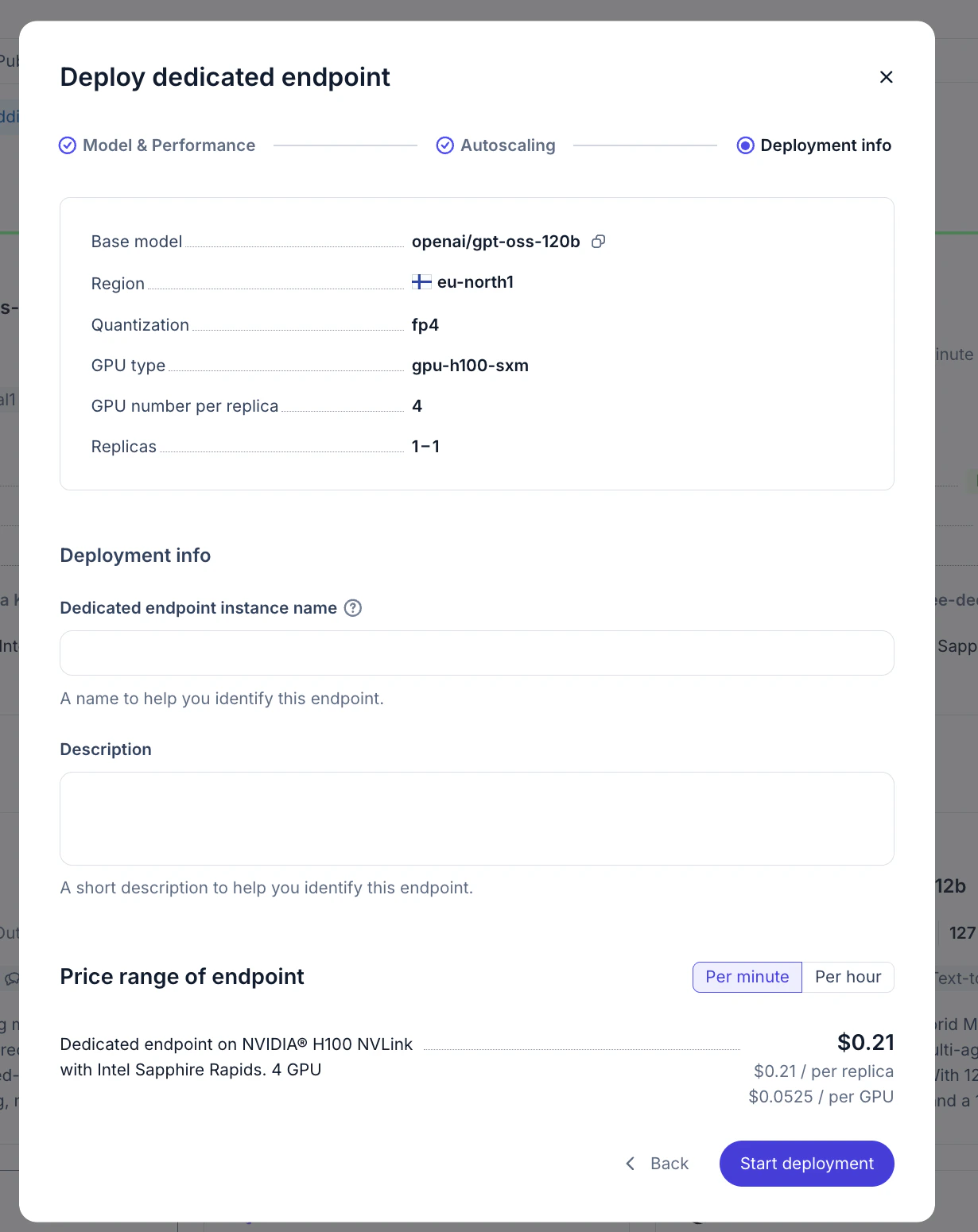
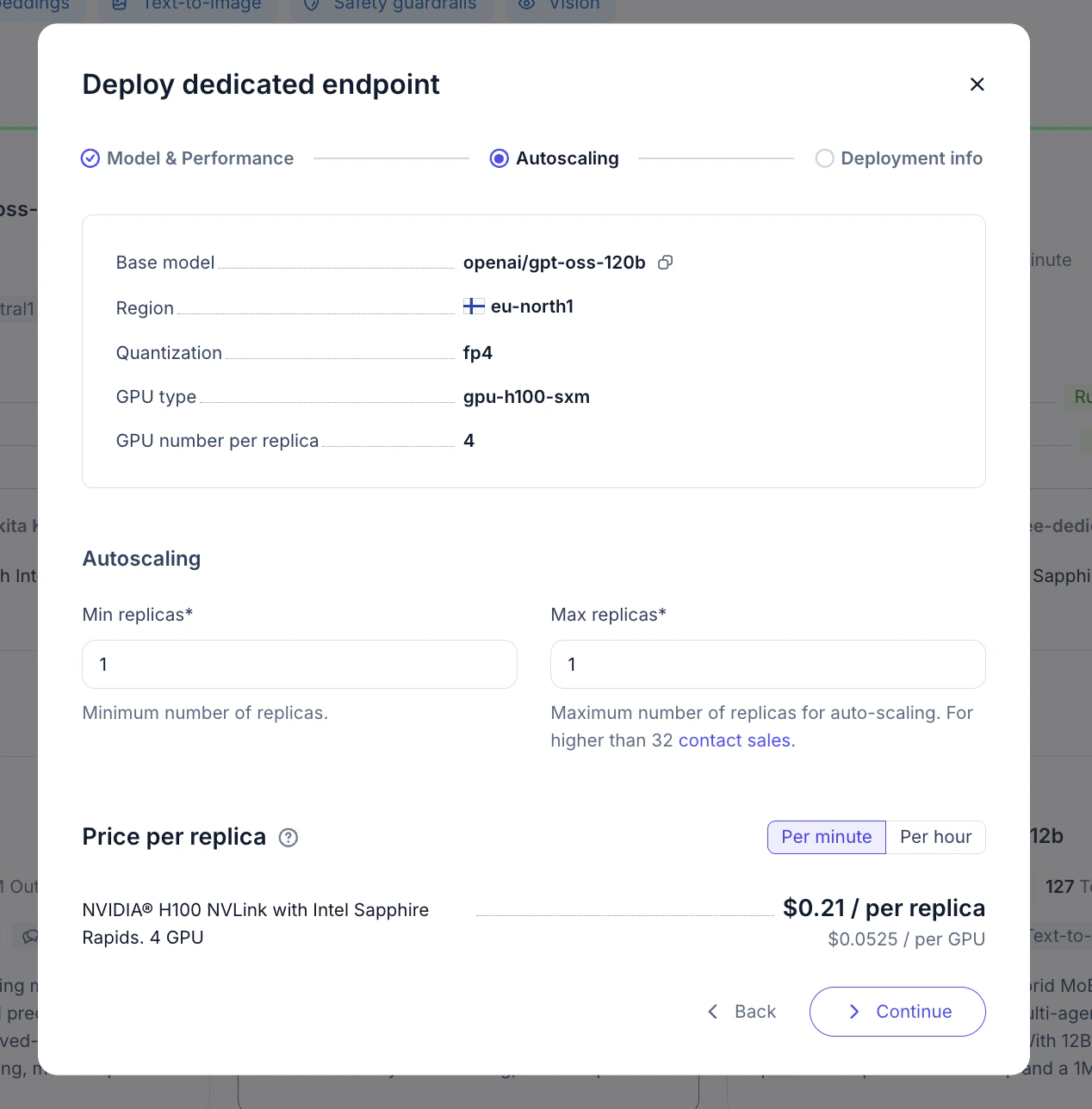
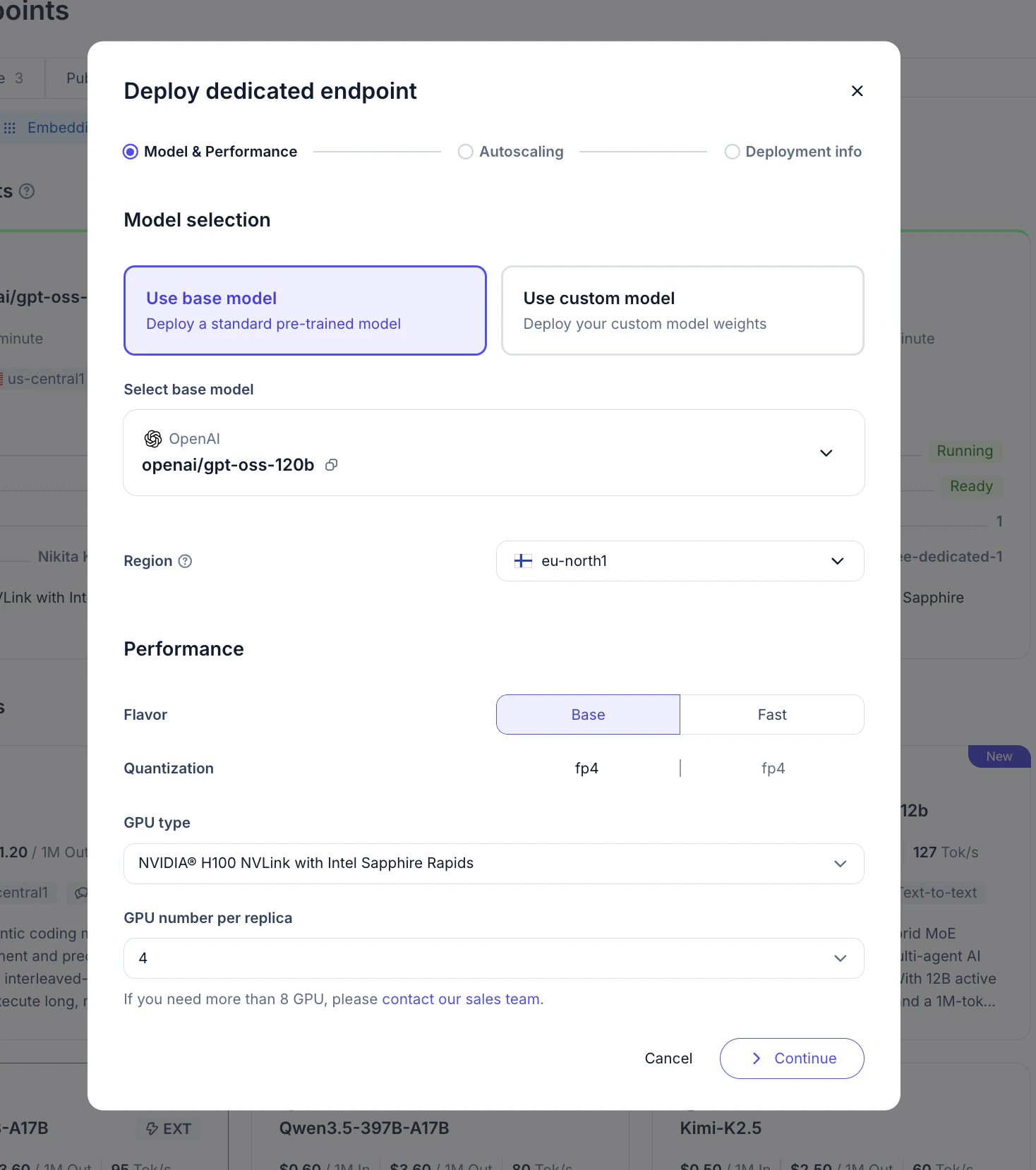
Walkthrough on UI deployment
Prefere automation?
For API-based deployment, see Deploy in API section
For API-based deployment, see Deploy in API section
Using endpoint
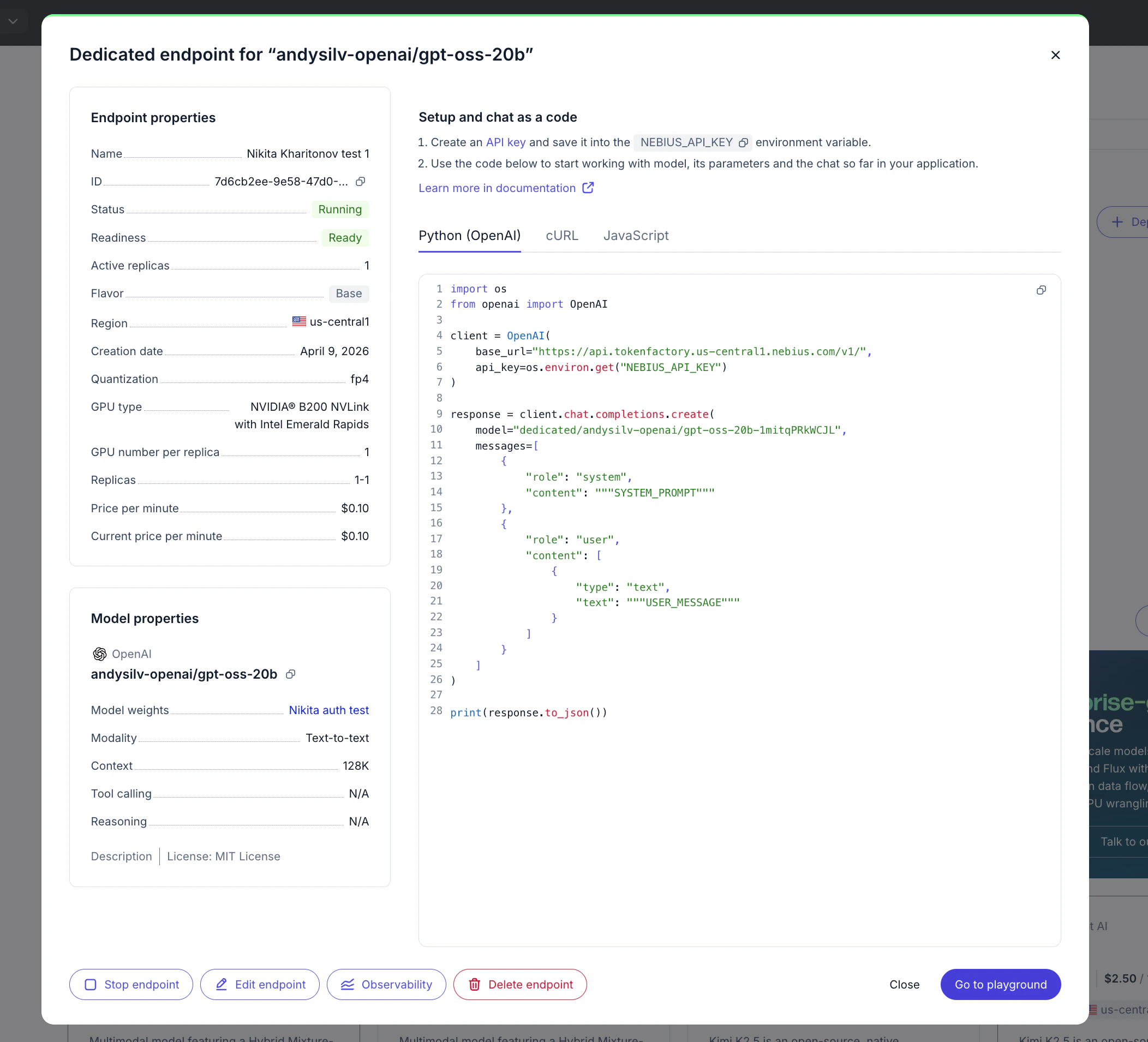
Go to Inference → Model Endpoints and open your private endpoint card.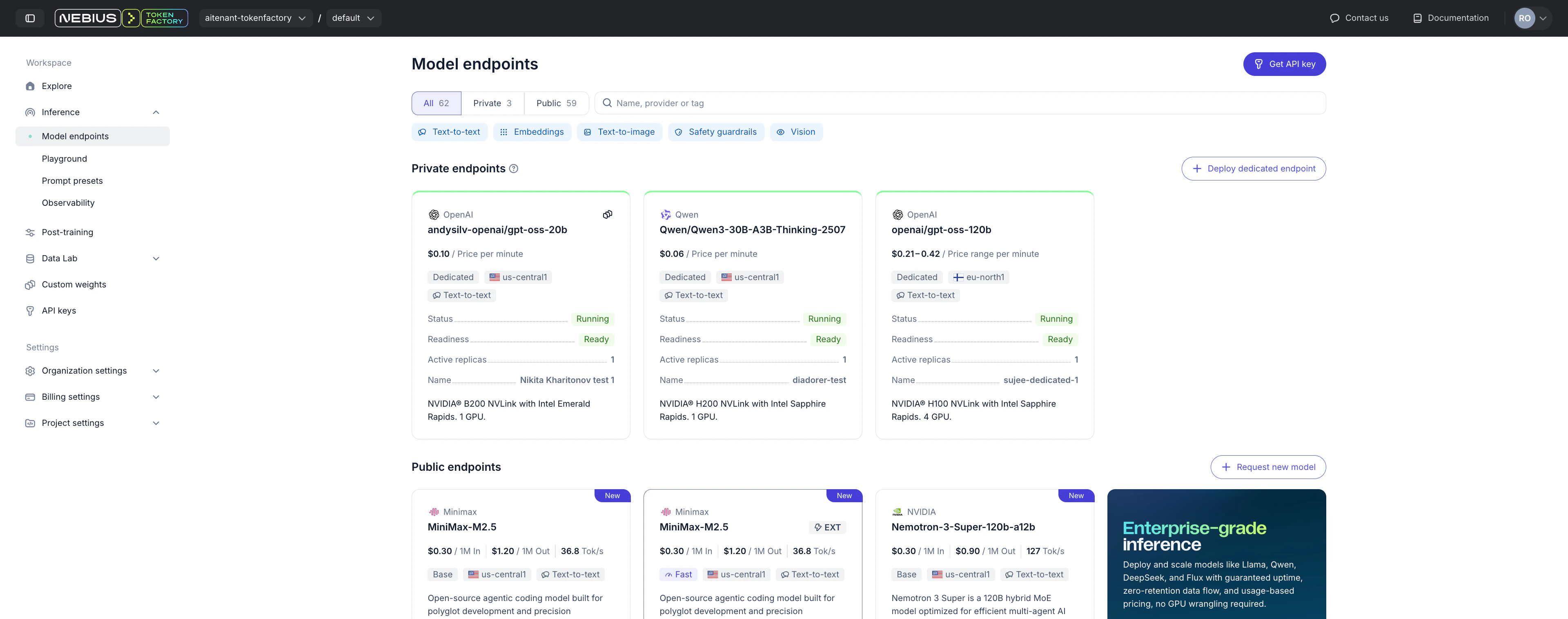
- Endpoint ID
- Routing key
- Model
- GPUs per replica
- Minimum and maximum replicas
- Deployment status
- Ready-to-use code snippets
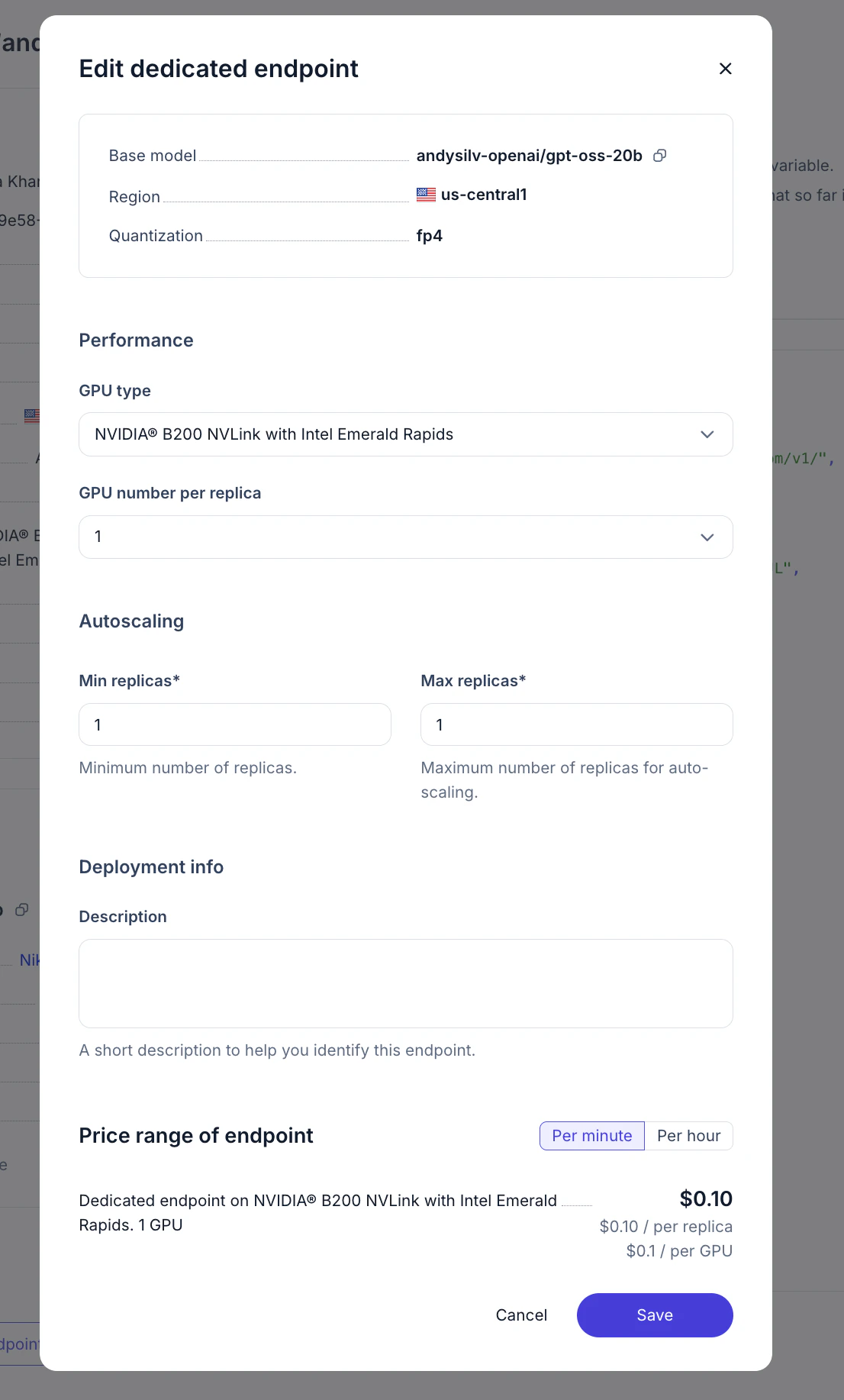
- Open dedicated endpoints model card and click Observability button below
- Go to observability section and set filters to your enpoint: https://tokenfactory.nebius.com/observability